
Open, type, close.
No title to write: it is the first line with content. An empty note deletes itself.
Free for Mac
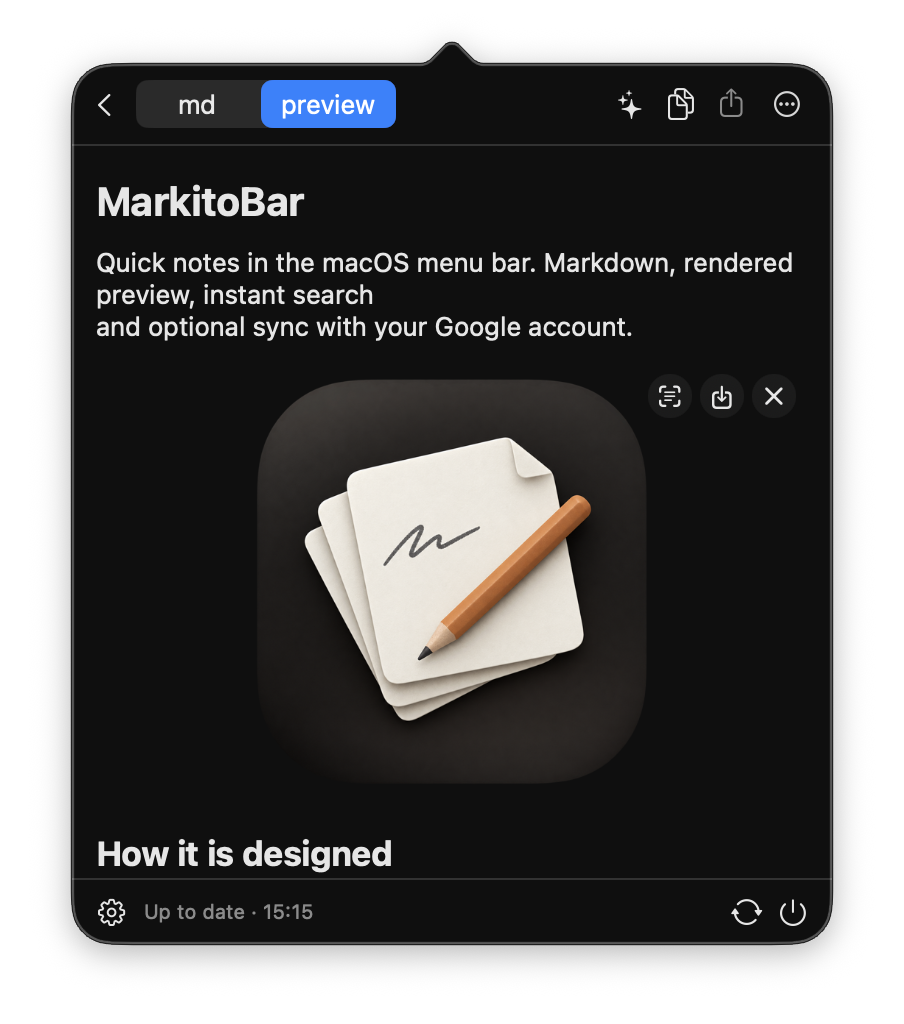
MarkitoBar is the fastest way to write things down on your Mac. Open it with ⌥ Space from any app, type, and close it. Every note is a Markdown file of yours.
The challenge also opens with ⌥ Space, or the keys on the panel.
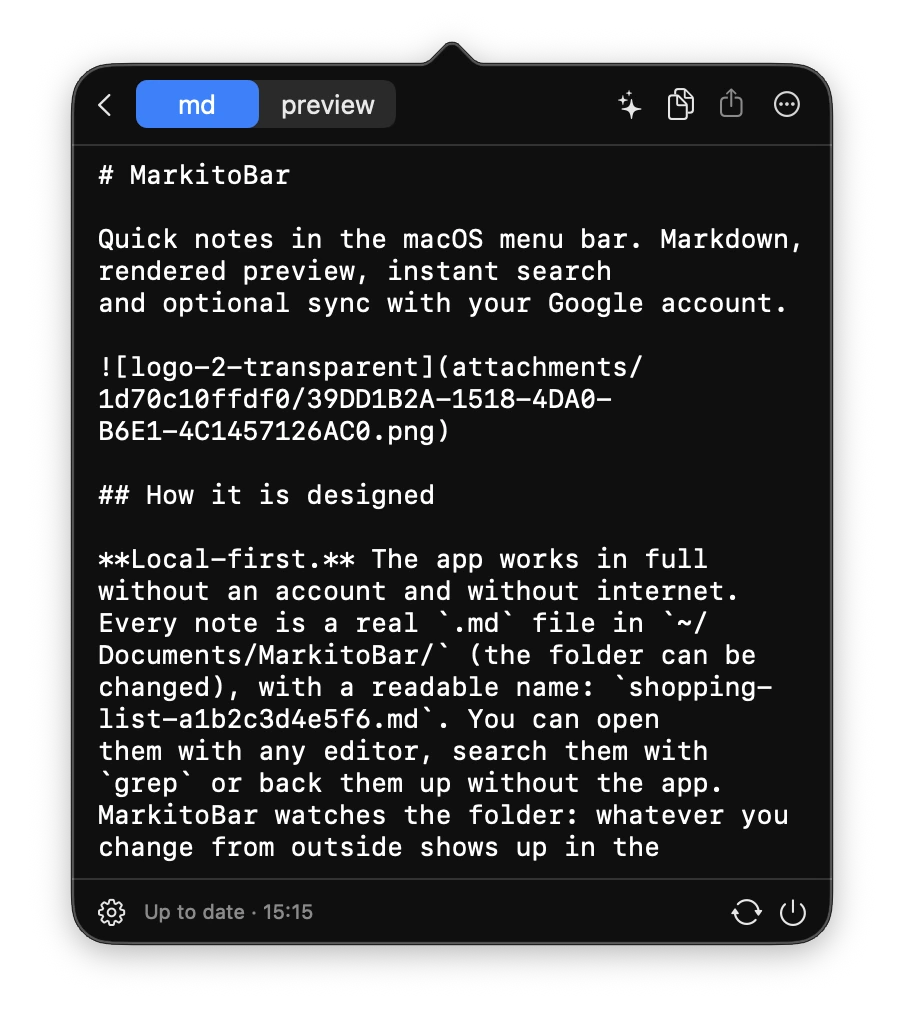
No title to write: it is the first line with content. An empty note deletes itself.
Focus lands on the search field as soon as the panel opens. Type, and Enter creates the note if nothing matches.
Notes open rendered; the md tab makes them editable. Checkboxes tick with one click.
~/Documents/MarkitoBar/
Every note is a real .md in ~/Documents/MarkitoBar/, with a readable name like shopping-list-a1b2c3d4e5f6.md.
Open them in any editor, search them with grep or back them up without the app.
Change a file from outside and it shows up in the list, nothing to restart.
It works fully without an account and offline.
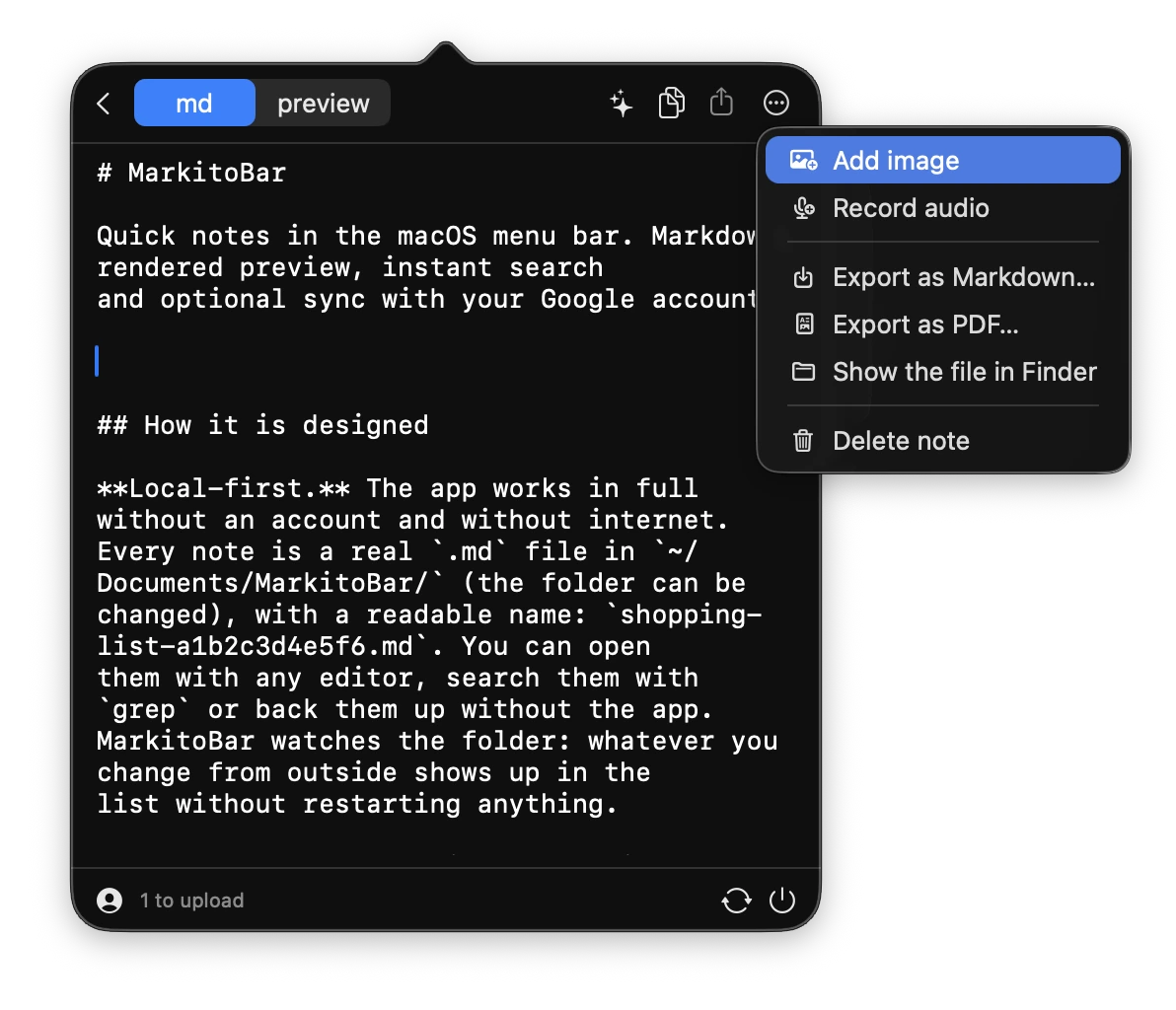
A photo is saved as  and a recording as [audio 0:42](…), in the same Markdown.
Images show in the note and recordings play right there.
Share with the native macOS menu, or export to Markdown with its files, or to PDF.
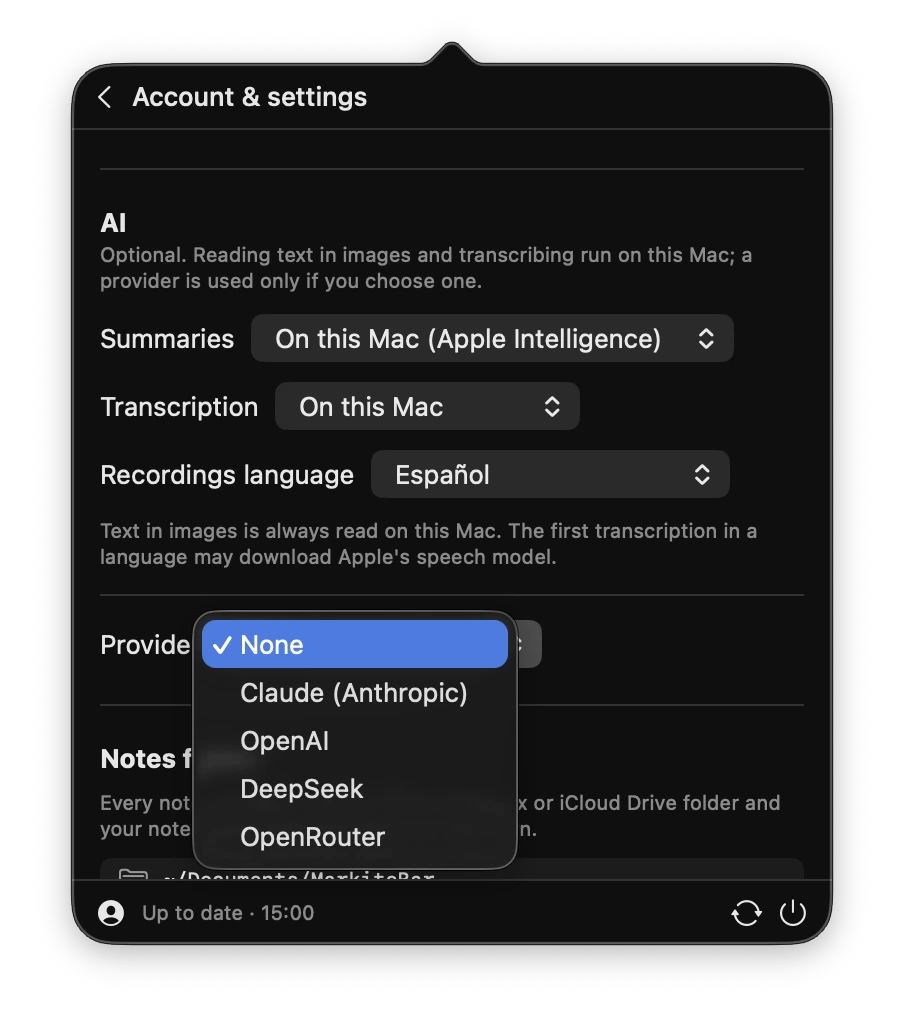
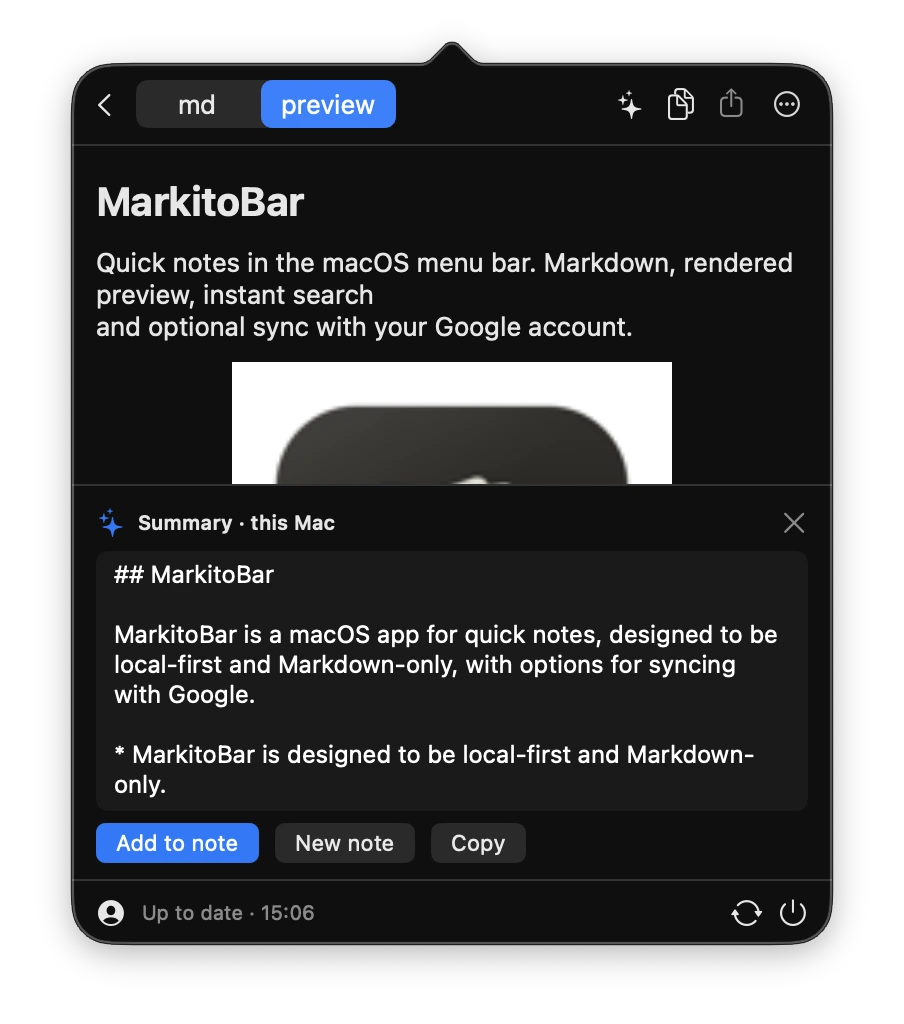
Nothing runs until you ask.
Put the notes folder in Dropbox or iCloud and it follows you to every Mac. They are plain files, so any folder sync works.
You choose the folder in Account & settings.
Without an account, everything stays on your Mac.
No. MarkitoBar works fully without one. Signing in with Google is for syncing between Macs, which is not open to new accounts yet.
In a folder on your Mac, as Markdown files. You can move it whenever you like.
Only if you choose an outside provider. By default everything runs on your Mac.
No, unless you sign in and turn on usage data in Account & settings: technical data such as the version, the Mac model, which features are used and errors, under a random identifier. Never your name, your email or what your notes say.
MarkitoBar is free.
Free for Macs with Apple silicon. Download it and write the first note.